Your phone can’t come with you
Streaming apps and your phone stay out of the water, so the audio files have to be prepared in advance.
Podcast prep and transfer for swimming MP3 players
Got a swimming MP3 player? Leave automatic episode downloads and transfers for your chosen swim time to SwimKast. Pick what to hear, connect your player, and head to the pool.
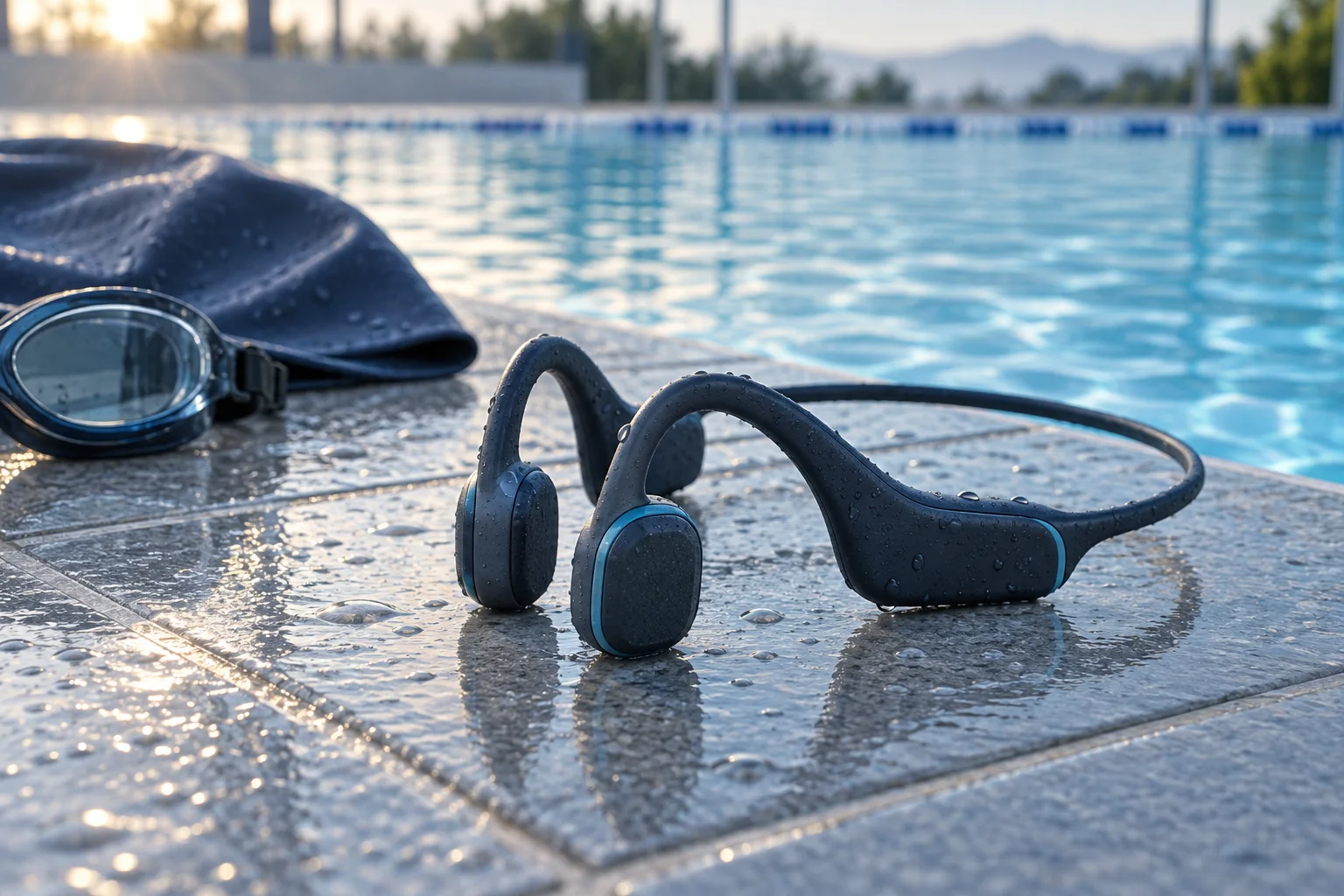
How to listen underwater
Bluetooth and streaming are not reliable underwater, so audio files need to be stored on the player before you swim. SwimKast prepares podcasts for offline listening and transfers them by USB to swimming MP3 players such as Shokz OpenSwim.
Speed conversion and file splitting prepare audio that fits your swim before it reaches the player.
OpenSwim is a trademark of Shokz. The product name is used only as an example of a listening setup and does not imply affiliation with any brand.
The reality of swim players
Simply copying podcast files to the device doesn’t give you the listening experience you want.
Streaming apps and your phone stay out of the water, so the audio files have to be prepared in advance.
Even when you want to hear more in less time, many players can’t change playback speed.
If your player can only skip whole files and can’t seek within one, it’s hard to go back after skipping part of a 30-minute episode.
SwimKast before you swim
SwimKast downloads new episodes, adjusts playback speed and segment length, lets you review changes, and transfers files in playback order.
01 · Speed conversion
SwimKast converts downloaded MP3 episodes to your chosen speed in advance. At 1.5×, a 60-minute episode takes 40 minutes, so you can hear 90 minutes of original content during a one-hour swim.
1.5× example · Set speed per subscription60-minute swim = 90 minutes of original content
02 · File splitting
After speed conversion, SwimKast automatically splits a long MP3 into your chosen segment length. Split a 30-minute file into six 5-minute files, and you can get back close to where you left off by skipping files.
30 min → 5 min × 6 files03 · Review changes
See at a glance which files will be added to, removed from, or kept on the device. Tap or swipe left and right to change files marked for removal or retention, and add previously downloaded episodes back into this transfer.
Choose what to add · keep · removeScience for an early swim6 audio files
Include in transferLast week’s interviewKeep on device
← Swipe →04 · Playback-order transfer
On devices with deleted-file gaps, new files can fill those gaps and disrupt playback order. When needed, SwimKast recopies everything in the correct order and shows file-by-file removal and copy progress.
Publication and segment order preservedClean up existing files
DoneScience for an early swim 02/06
CopyingScience for an early swim 03/06
WaitingEpisodes → Review changes → Transfer
Download new episodes, then adjust playback speed and file length. SwimKast retries up to three times if the connection drops.
Review the files marked to add, remove, or keep, and adjust the list for this transfer.
Track each file as it moves, then safely disconnect the device when transfer is complete.
Just plug it in
Turn on automatic downloads and sync once. SwimKast prepares new episodes in advance and transfers enough for your chosen swim time when your registered player connects by USB.
Download new episodes automatically
✓Prepare speed and file length
✓Transfer for the selected swim time
72%Ready to swim
AutomaticDownload now
SwimKast is now available for Android, Windows, iPhone, iPad, and Mac.
FAQ
From choosing a player to automatic sync, here are the things people most often ask when getting started with SwimKast.
You need a player that can play MP3 files from its built-in storage underwater and receive files over USB. Examples include Shokz OpenSwim and Mankiw swimming bone-conduction headphones. Bluetooth-only products and devices without built-in storage are not compatible. Before buying, check for built-in storage, local MP3 playback, and USB file transfer.
See recommended swimming playersBluetooth signals do not travel reliably through water. Before swimming, transfer the podcast to your player’s built-in storage as MP3 files. SwimKast helps you prepare them.
You need internet access to search for podcasts and download episodes. Once the files are on your swimming player, you can listen without a phone or internet connection.
At 1.5× speed, you can hear 90 minutes of content in 60 minutes. Splitting a long episode into five-minute files also makes navigation easier on players that support only previous- and next-file controls.
Enable automatic downloads and sync, then register your player once. On Android, Mac, and Windows, connecting that player over USB automatically transfers enough prepared episodes for your chosen swim time. On iPhone and iPad, select a folder in Files or on USB storage and start the transfer manually.
Yes. SwimKast shows which files will be added, kept, or removed, along with their playback order, before you begin the transfer.
You can search public podcast feeds or add an RSS address directly. Episode availability and usage terms are determined by each podcast publisher and audio provider.
SwimKast is available for Android, Windows, iPhone, iPad, and Apple silicon Macs. Store links are available at the top of the page.
SwimKast
Available now on Google Play, Microsoft Store, and the App Store.